Stack code
The stack code limits the total stacking layers when different cargo types are stacked together: set the same stack code and maximum stacking layers(Max Stack) for different cargo items, and the software would regard them as the same type when computing the maximum stacking layers.
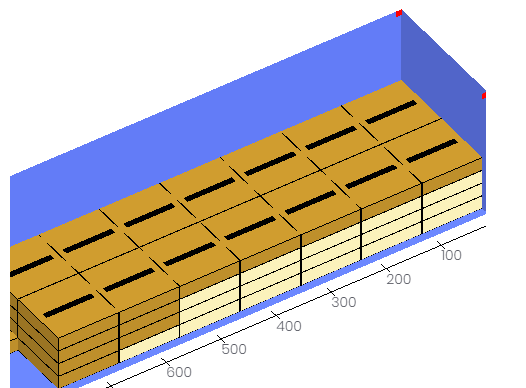
For example: Cargo 1 and cargo 2, whether stacked with themselves or with each other, are not allowed to exceed 4 layers.
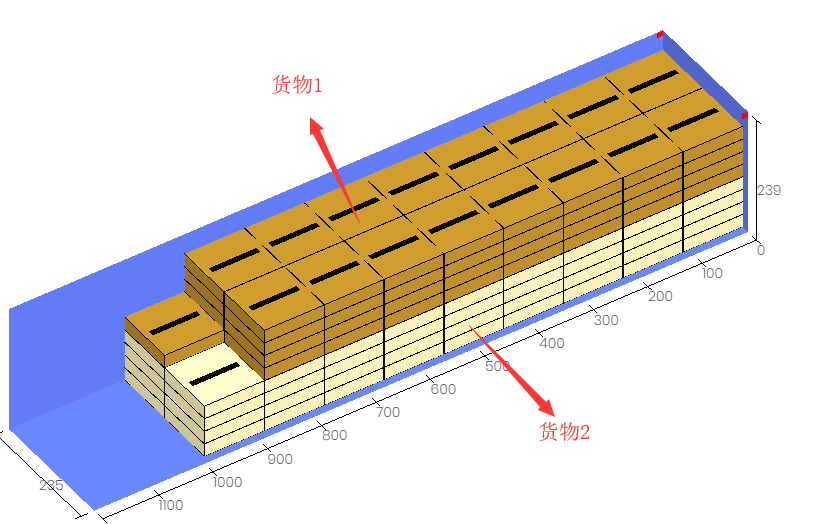
If you only set the Max Stack of cargo 1 and cargo 2 to 4, the result would be that cargo 1's self-stack ≤ 4 and cargo 2's self-stack ≤ 4, but they can still stack with each other, exceeding 4 in total — because layers are computed per cargo type. As shown:
You then need to set a Stack Code:
On the Cargo interface or in the import template, give cargo 1 and cargo 2 the same stack code (number, letter or Chinese character — as long as it matches) and set the Max Stack of both as 4.
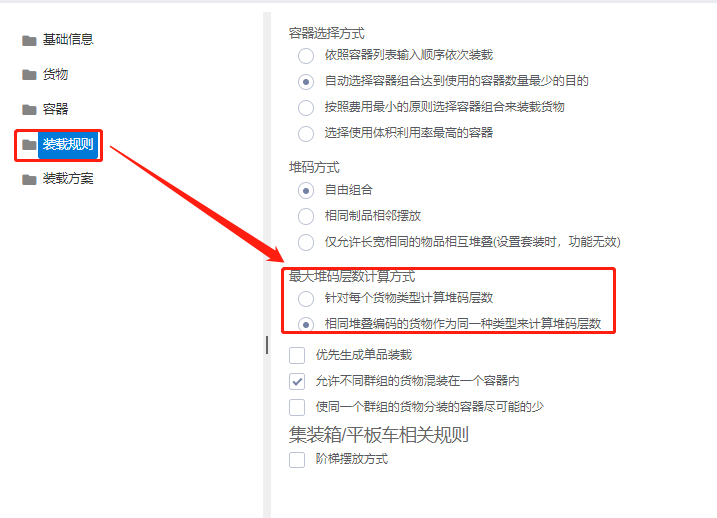
On the Loading rules interface, set the Methods for Calculate Max Stack to "Same stack code treat as one type mode".

The loading plan result: cargo 1 and cargo 2 never exceed 4 layers in any combination.