Set loading
A product is split into multiple package specifications, or one set consists of several different products, then the loading of the cargo must be in proportion. Example: one computer consists of 1 box of the main unit and 1 box of accessories; one set of furniture consists of 1 coffee table and 4 chairs.
Method 1: configure in the import template. Set the same Cargo Set Name for the items in the set, and set the Quantity in Cargo Set.
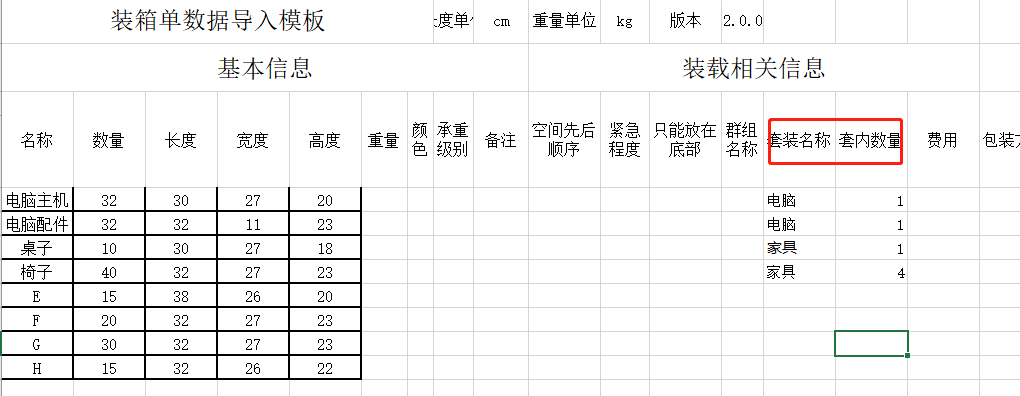
Method 2: configure in the software. Set the same Cargo Set Name for items in the set, and set Quantity in Cargo Set.
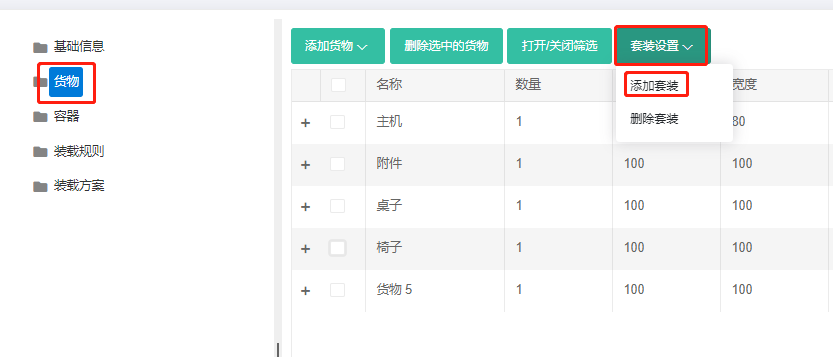
Step 1: on the Cargo interface, click Set Loading-Add Cargo Set.
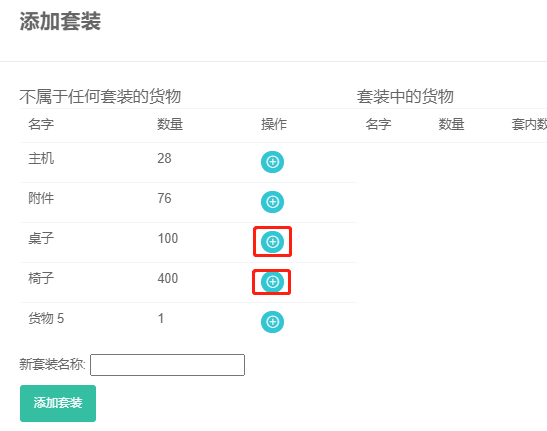
Step 2: click the green plus icon next to the cargo to add items into the set.
Step 3: define the quantity and Quantity in Cargo Set, then enter the New Cargo Set Name and click "Add Cargo Set".
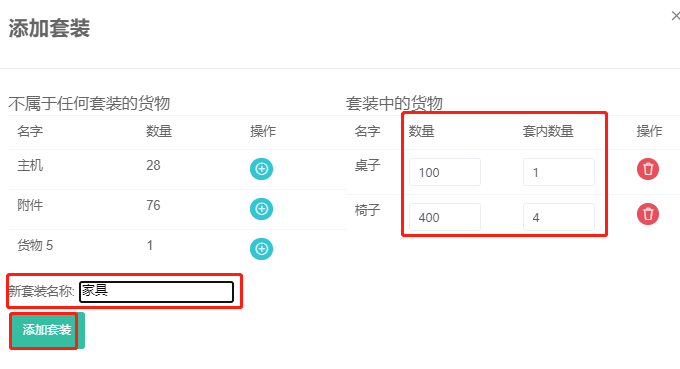
Add other cargo sets the same way.