Group
Groups define cargo that cannot be mixed in one container, or cargo that should be split across as few containers as possible. Group names can be Chinese characters, numbers, letters or any combination.
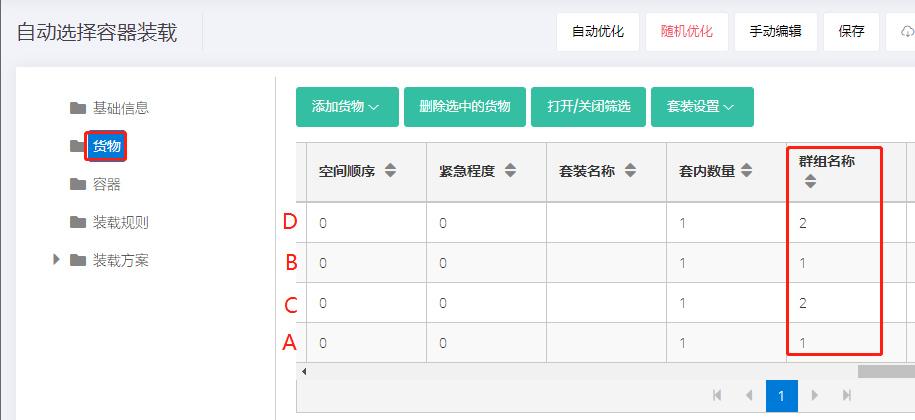
1) Restrict cargo from being mixed. Example: cargo A, B and cargo C, D cannot be mixed.
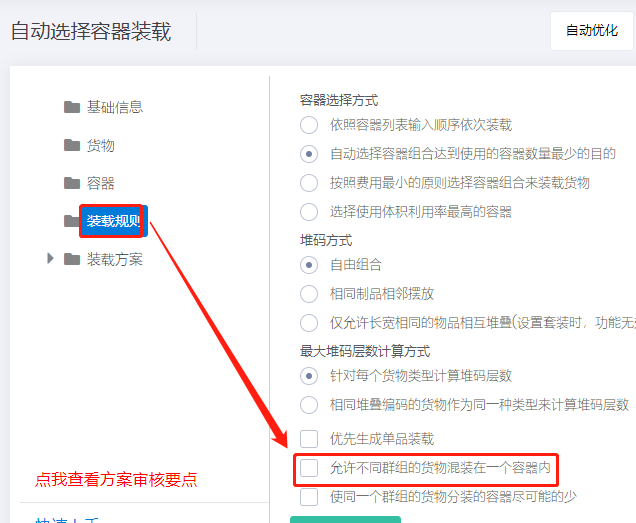
Set the group name of A and B to "1" and that of C and D to "2"; on the Loading rules interface, uncheck "Allow different groups of cargoes to be mixed in one container", i.e. cargo from different groups cannot be mixed.
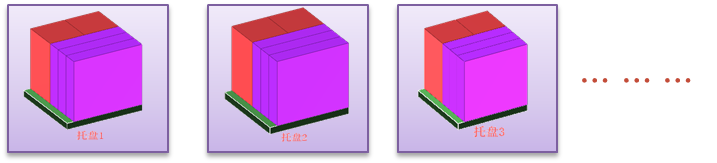
Result: A, B and C, D are not mixed.
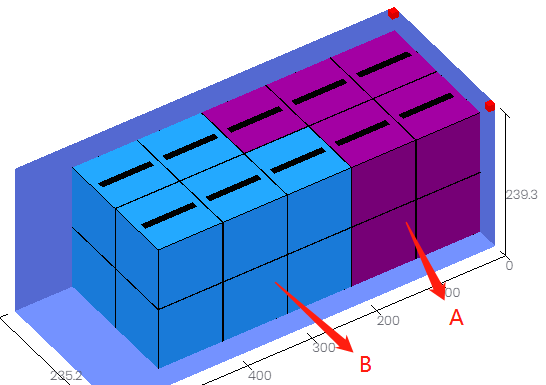
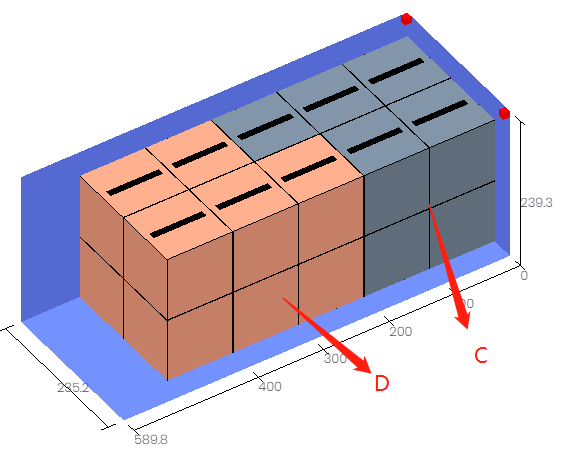
Limit cargo from being split across multiple containers. Example: A and B are from different orders, and the same order's cargo should sit on the same pallet whenever possible.
Set group name "1" for A and "2" for B; on the Loading rules interface, check "Minimize the number of containers which load cargoes from the same group".
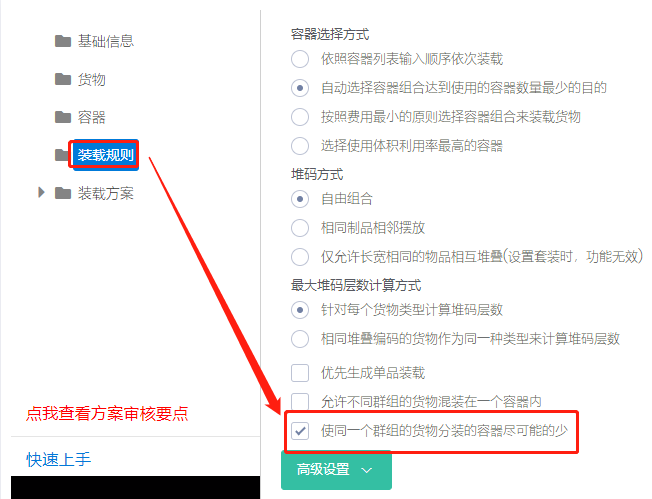
Result:

Without this option set, the result would be: