n. How to prefer the "stand" orientation
Sometimes cargo should be loaded standing up as much as possible, with one or two top layers laid flat if there is remaining space. How is this defined?
Example:
Loading data:
| Name | Qty | Length (cm) | Width (cm) | Height (cm) |
|---|---|---|---|---|
| A | 280 | 65 | 14 | 76 |
| B | 224 | 65 | 12.5 | 76 |
| C | 170 | 65 | 16 | 76 |
| D | 64 | 52.8 | 45 | 66 |
| E | 62 | 66.8 | 41 | 72 |
Loading requirements:
1) Prefer to stand A, B, C; if there is top space left, lay one or two layers flat.
2) Calculate the number of 40HC needed.
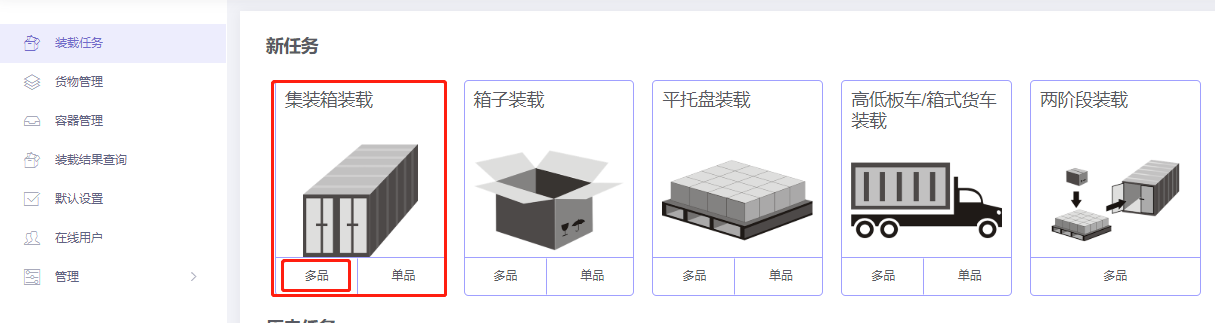
Choose Loading Container / Multi-Cargoes.
Step 1: Cargo → Excel batch import.
1) Get template.

2) Fill template:
① Name, qty, dimensions.
② "Lay flat" in this case means width vertical to the ground — i.e. not height-certicalr. Set placement constraints:
- Disallow Lay and Lay_Rotate.
- For A, B, C: set "Max Stack" under Side and Side_Rotate to a small value, e.g. 2 (adjust if needed).
- For A, B, C: under Side and Side_Rotate, set "Support Others" = 0.

3) Import from Excel.

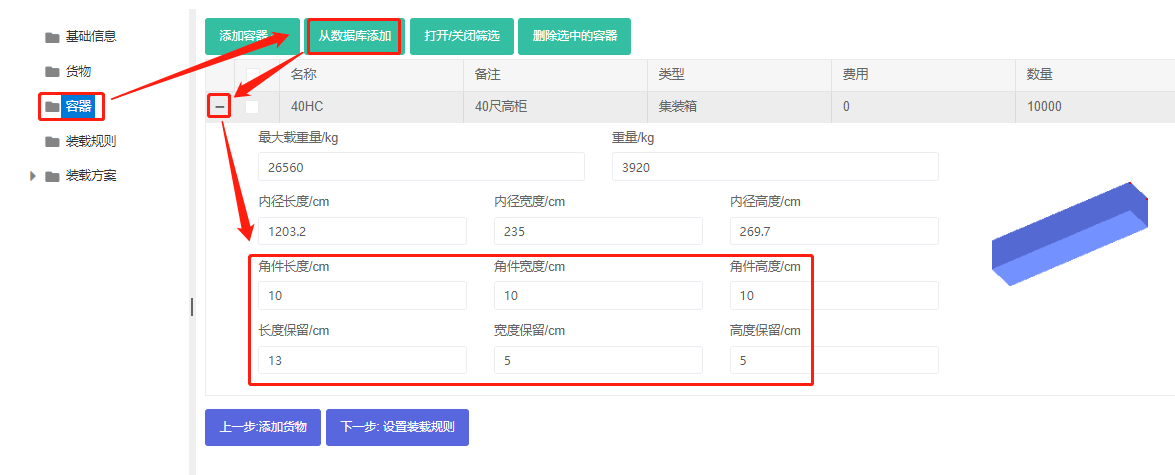
Step 2: Container → Add 40HC from database. Corner castings 10×10×10 cm and reserved sizes.
Step 3: Loading rules — keep defaults.
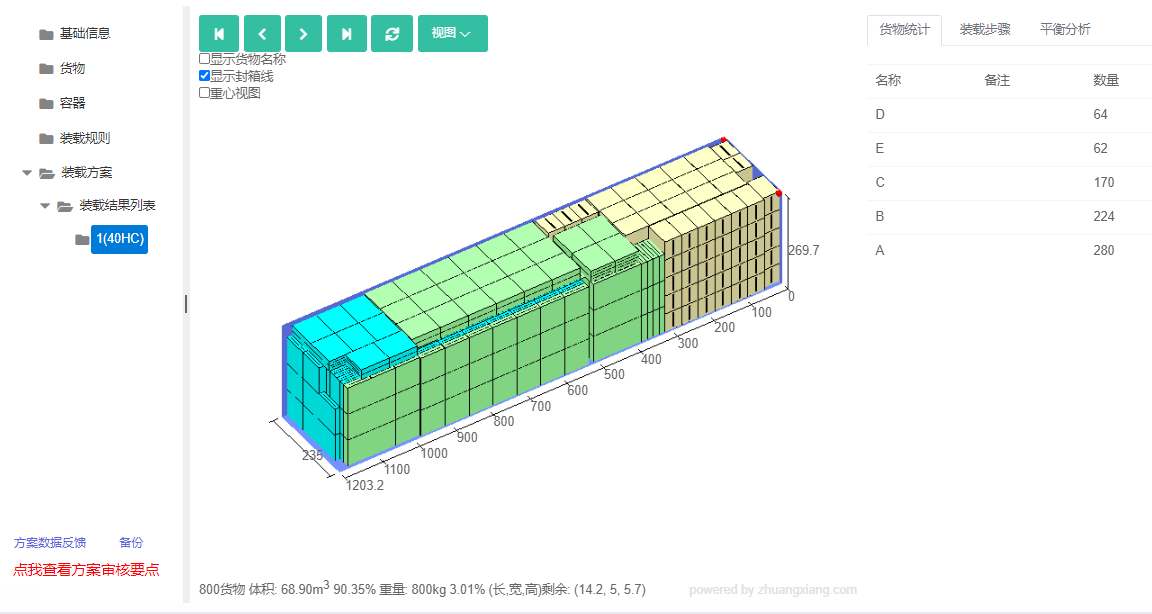
Click Loading Result. The batch fits in one 40HC. The 3D view shows A, B, C standing, with two side-laid layers only where there is top space — meeting requirements.
After review, share or download the report.