c. How to keep cargo from the same order from being split across containers
When loading multiple cargo types, cargo of the same order (or the same cargo) should be split across as few containers (pallets, boxes, containers) as possible. How is this defined?
Example:
Loading data:
| Name | Order # | Qty | Length (cm) | Width (cm) | Height (cm) |
|---|---|---|---|---|---|
| A | MN 1017234 | 64 | 31 | 27 | 20 |
| B | MN 1017235 | 36 | 36 | 28 | 23 |
| C | MN 1017235 | 24 | 38 | 28 | 20 |
| D | MN 1017236 | 8 | 58 | 58 | 21 |
| E | MN 1017237 | 32 | 26 | 32 | 23 |
| F | MN 1017237 | 16 | 32 | 26 | 22 |
Loading requirements:
1) Height vertical to the ground only.
2) Palletize; pallet 116×116×10 cm, height limit 126 cm (including pallet height).
3) Cargo of the same order should not be split.
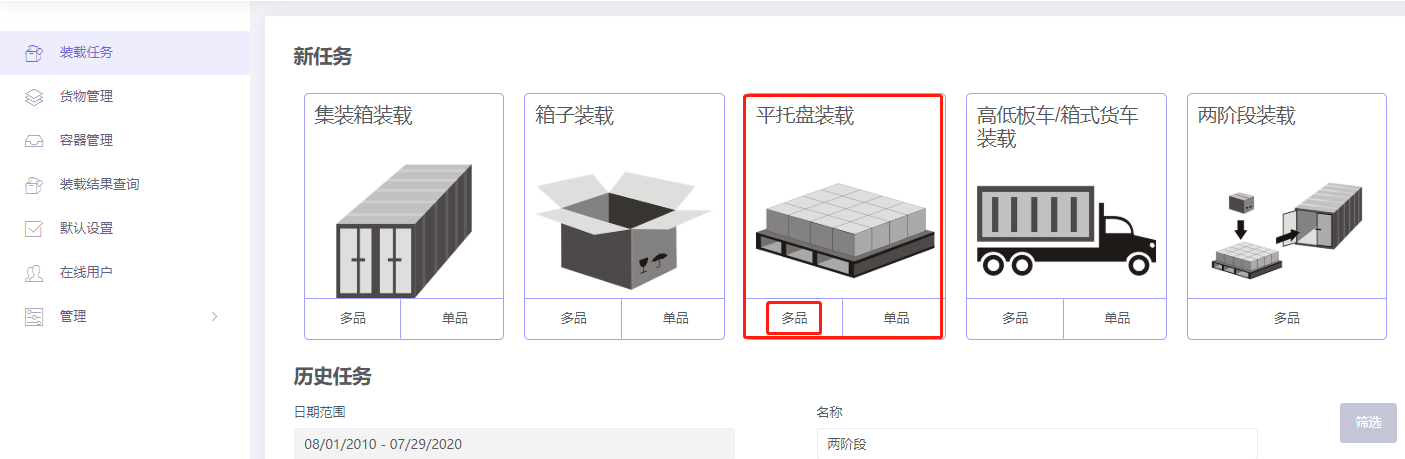
Choose Loading Flat Pallet / Multi-Cargoes.
Step 1: Cargo → Excel batch import.
1) Get template.

2) Fill template:
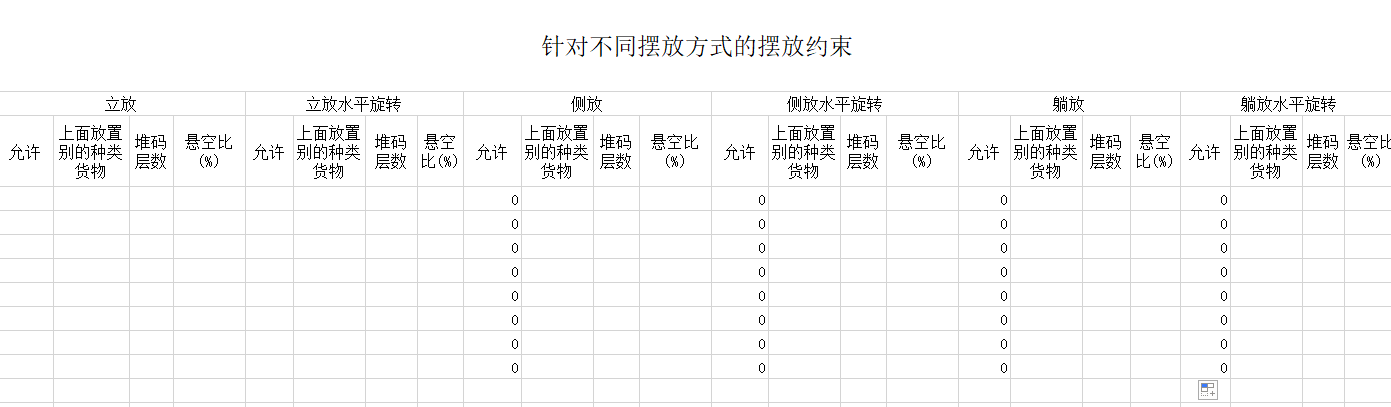
① Name, qty, dimensions. Order number may be entered in the remarks column. ② Allow only Stand and Stand_Rotate.
③ Set the same group for cargo of the same order; different groups for different orders. This case uses the order numbers as group names.
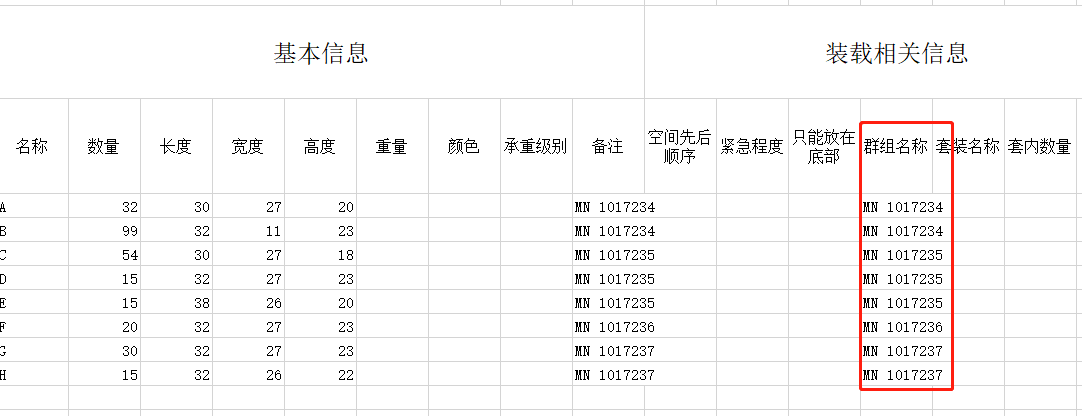
3) Import from Excel.

Step 2: Container → Add container → Flat pallet. Length×width×height = 116×116×10 cm; max placement height 126 cm.
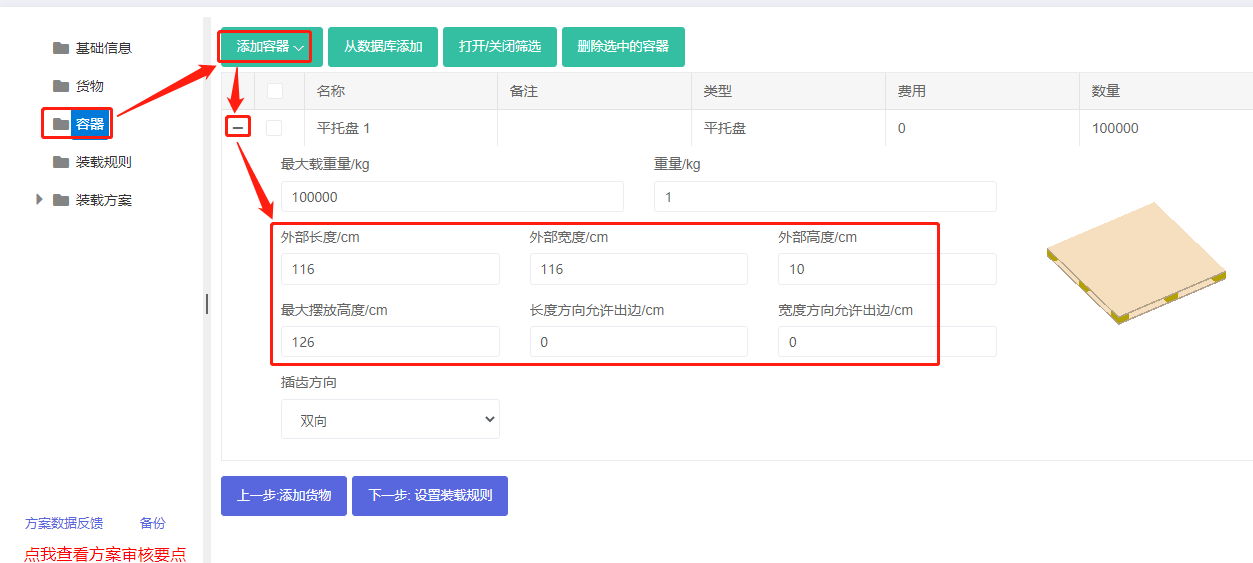
Tip: maintain commonly used pallets in the database. See Container Management.
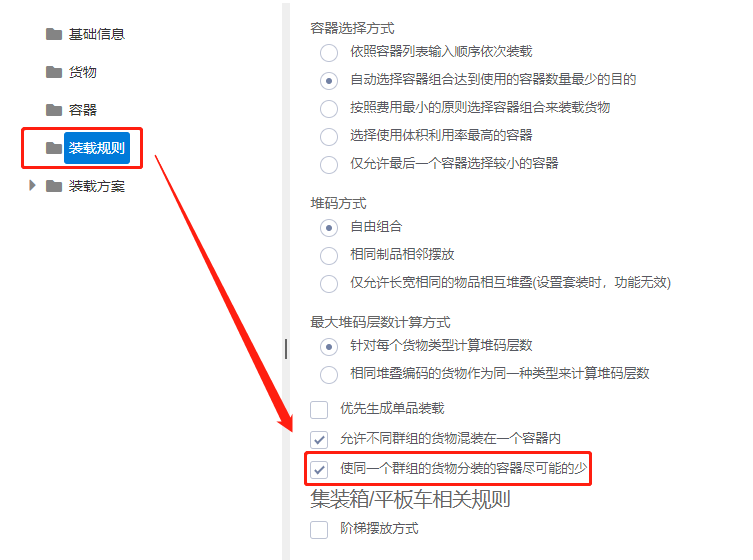
Step 3: Loading rules → check "Minimize the number of containers which load cargoes from the same group".
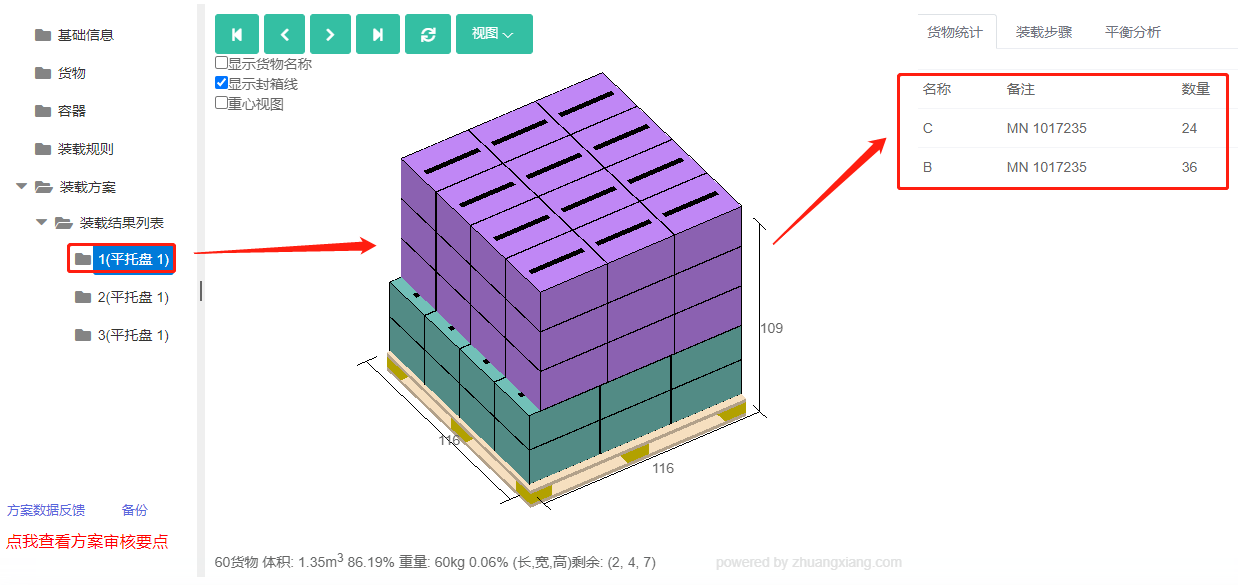
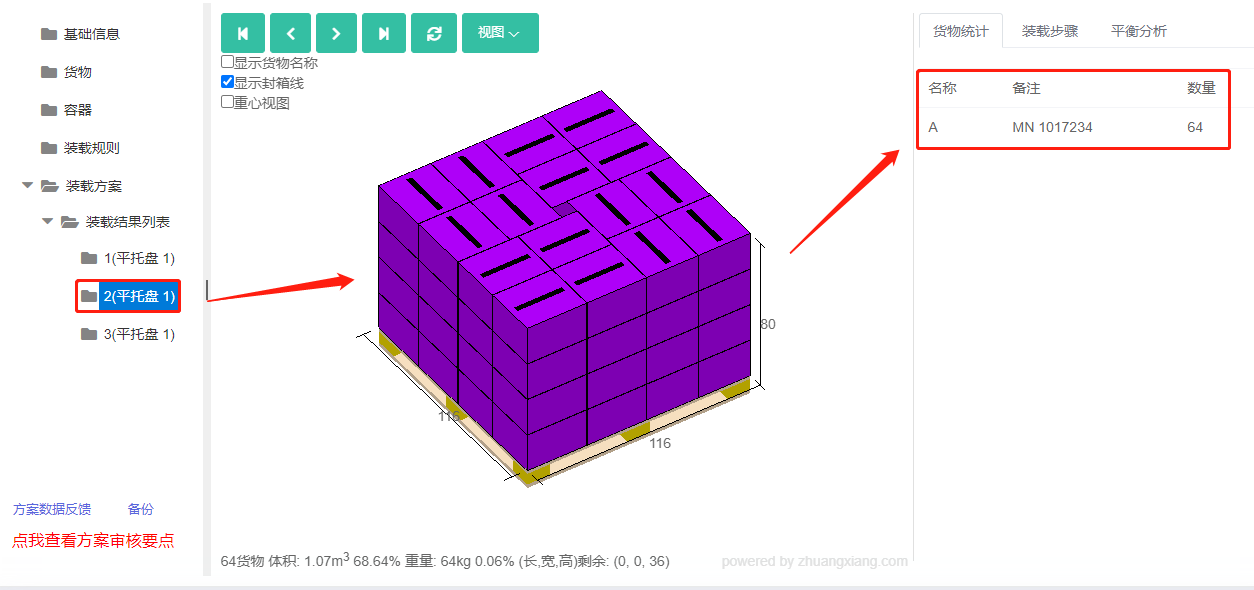
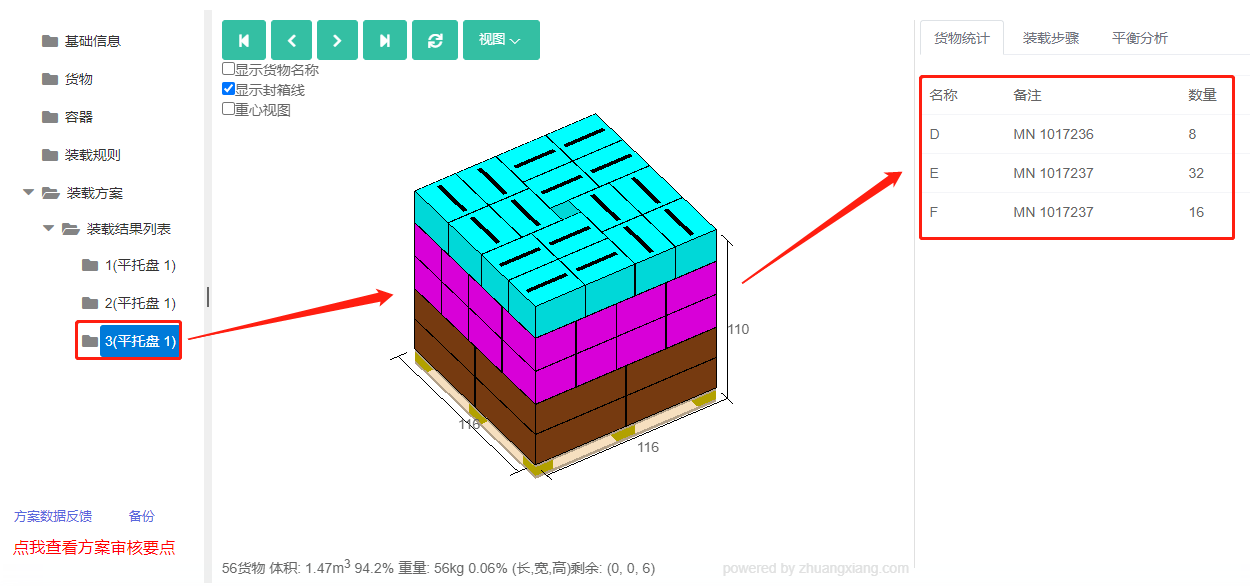
Click Loading Result. The cargo fits onto three pallets. The 3D view shows each order's cargo on the same pallet, meeting the requirement.
After review, share or download the report.