3. On-site Loading Guidance via Mobile
LoadMaster can display loading plans on mobile phones and tablets, supporting gestures to zoom in/out so that every detail is visible; it enables paperless work with zero printing cost; loading plans can be shared with friends and colleagues; cargo positions can be located quickly to facilitate customs inspection and speed up clearance; and Chinese/English switching is supported. The specific steps are:
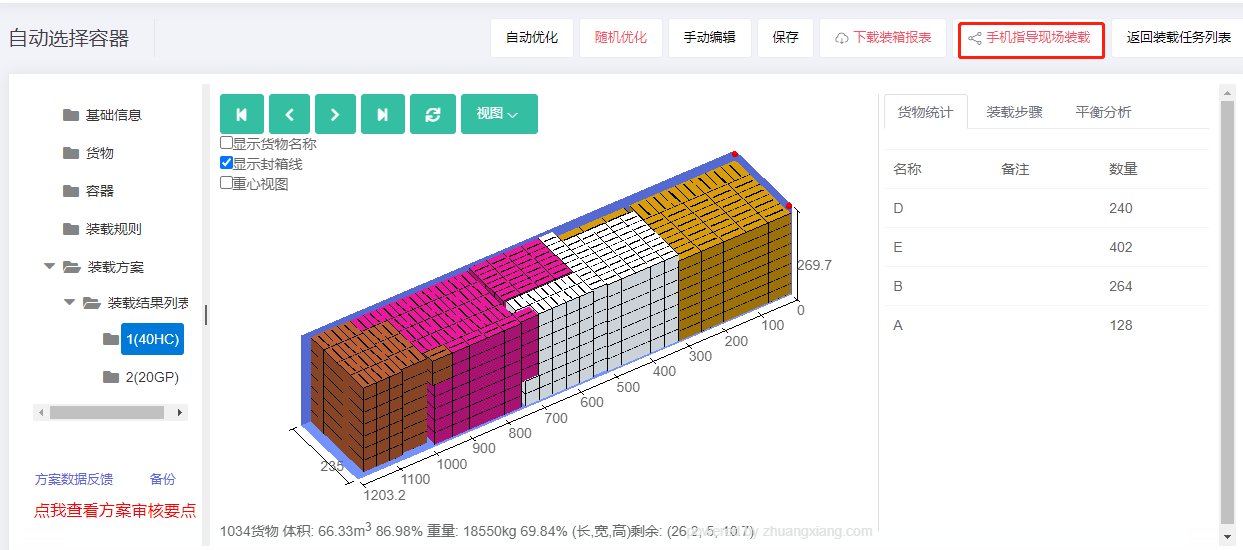
1) After producing a loading plan and confirming it through review, click Mobile-guided on-site loading above the 3D view, as shown below:
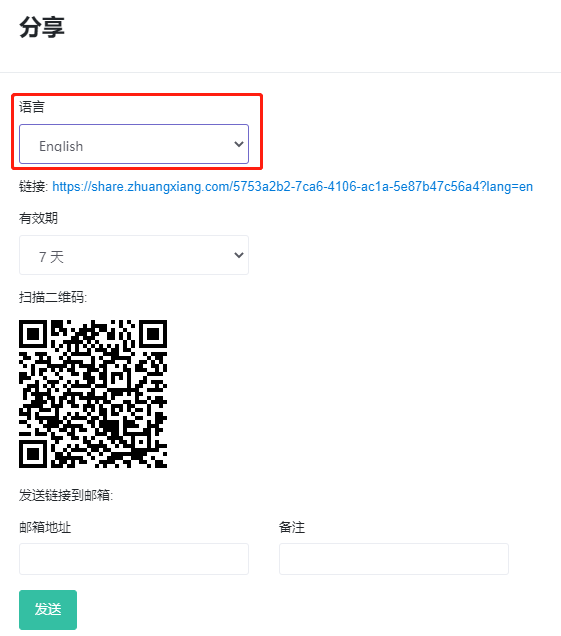
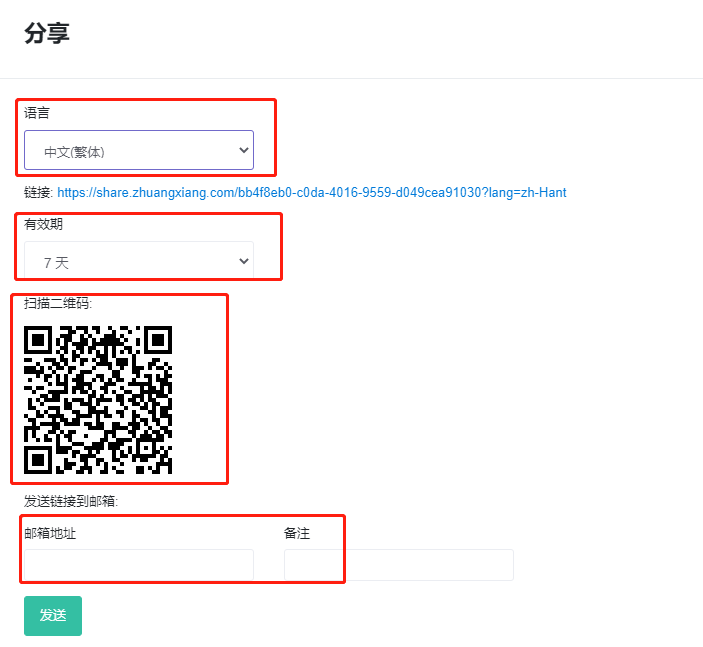
2) In the popup, choose the language and validity period. You can scan the QR code with a phone or click the plan link to view the plan, or email the plan to a colleague or customer.
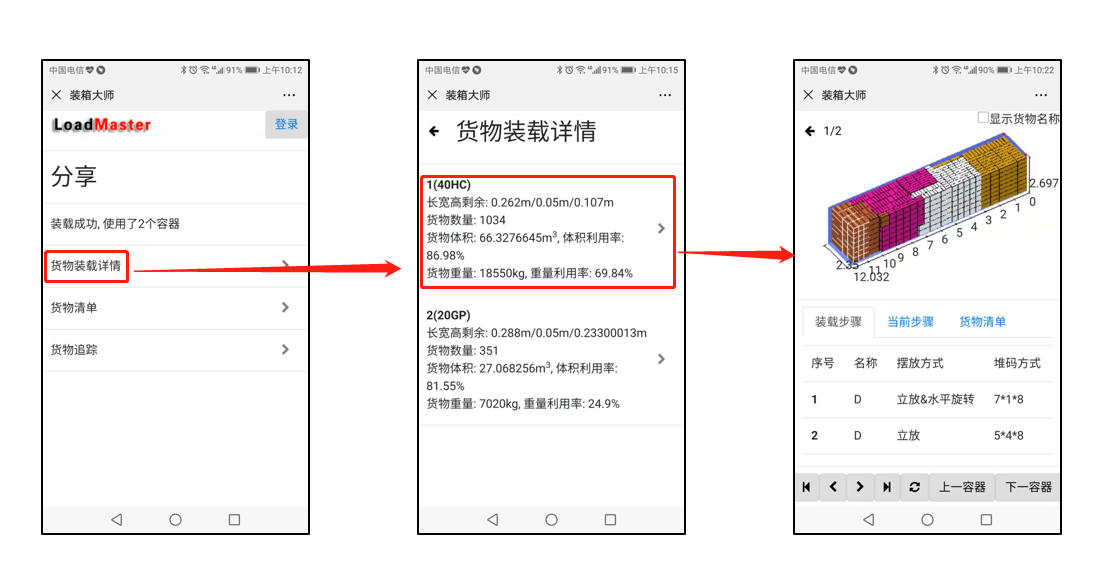
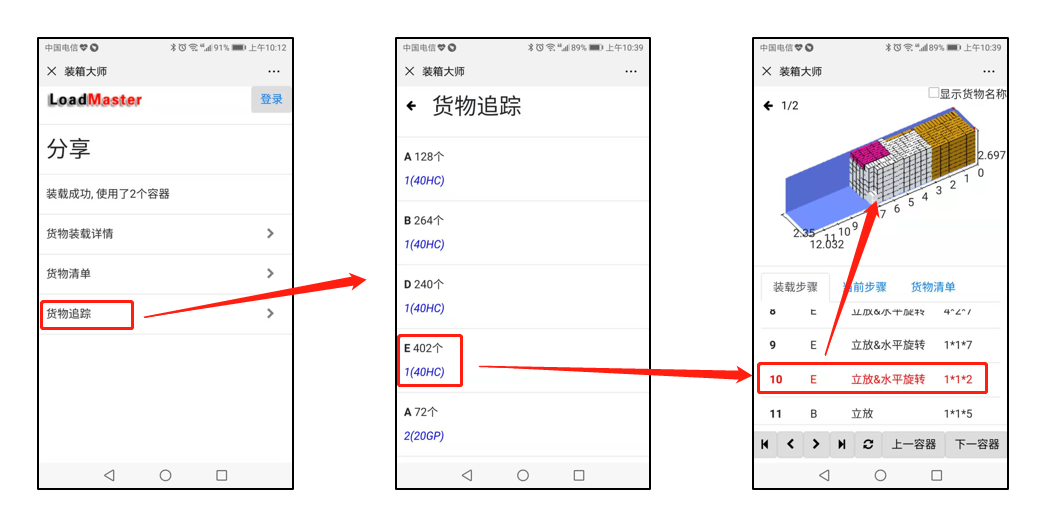
3) After scanning the QR code or clicking the link, the phone displays a loading overview that includes task name, loading details, cargo list and cargo tracking.
① Click "Cargo loading details" to see how containers are used in the plan. Click each container to see the corresponding 3D loading view and loading steps.
② Click "Cargo tracking" to quickly locate cargo positions, which is convenient for customs inspection and speeds up clearance.
Note: For overseas customers, set the language to English and then share or send so they can see the plan in English.